

Choose the plan that fits how you build
Whether you’re just getting started or building at scale, Pixflow plans are designed to grow with you. Upgrade, downgrade, or cancel at any time.
A production-ready building system for Bricks Builder.
 GBP
GBP


- Explore the Pixflow library with access to a limited set of layouts and components.
Free
Start for Free£01 SeatCopy & Paste1000 Licence ActivationsUse on Unlimited Projects16 Free Layouts11 Free ComponentsRegular SupportFull BEM MethodologyCustom Framework MappingCompatible with ACSS, Core Framework, ATF, and Native Bricks - A one-time purchase for long-term builders who want full Pixflow access without ongoing subscriptions.
Pro LTD
Continue with Pro LTD/one time£171.08Pixflow PluginAI Page BuilderBlueprint GeneratorRemote Template AccessPixflow Framework Design SystemGoogle Fonts InstallerIcon Set BuilderCustom Framework MappingBEM Class RenamingCustom Framework Mapping353 Layouts & ComponentsWeekly DropsPriority Support - Built for power users who need more flexibility, higher limits, and room to scale across multiple sites.
Pro
Continue with Pro/year£73.96Pixflow PluginAI Page BuilderBlueprint GeneratorRemote Template AccessPixflow Framework Design SystemGoogle Fonts InstallerIcon Set BuilderCustom Framework MappingBEM Class RenamingCustom Framework Mapping353 Layouts & ComponentsWeekly DropsPriority Support
What’s included with Pixflow
Every Pixflow plan is built to support real-world Bricks Builder workflows, giving you native layouts, reusable components, framework tools, design-system controls, and plugin features designed to speed up how you build inside Bricks.
Bricks-Native Layouts
All layouts are built natively for Bricks Builder, ensuring clean structure, performance, and full editor compatibility.
Reusable Components
A growing library of modular components designed to slot into any layout and adapt to your design system.
Builder-Integrated Template Library
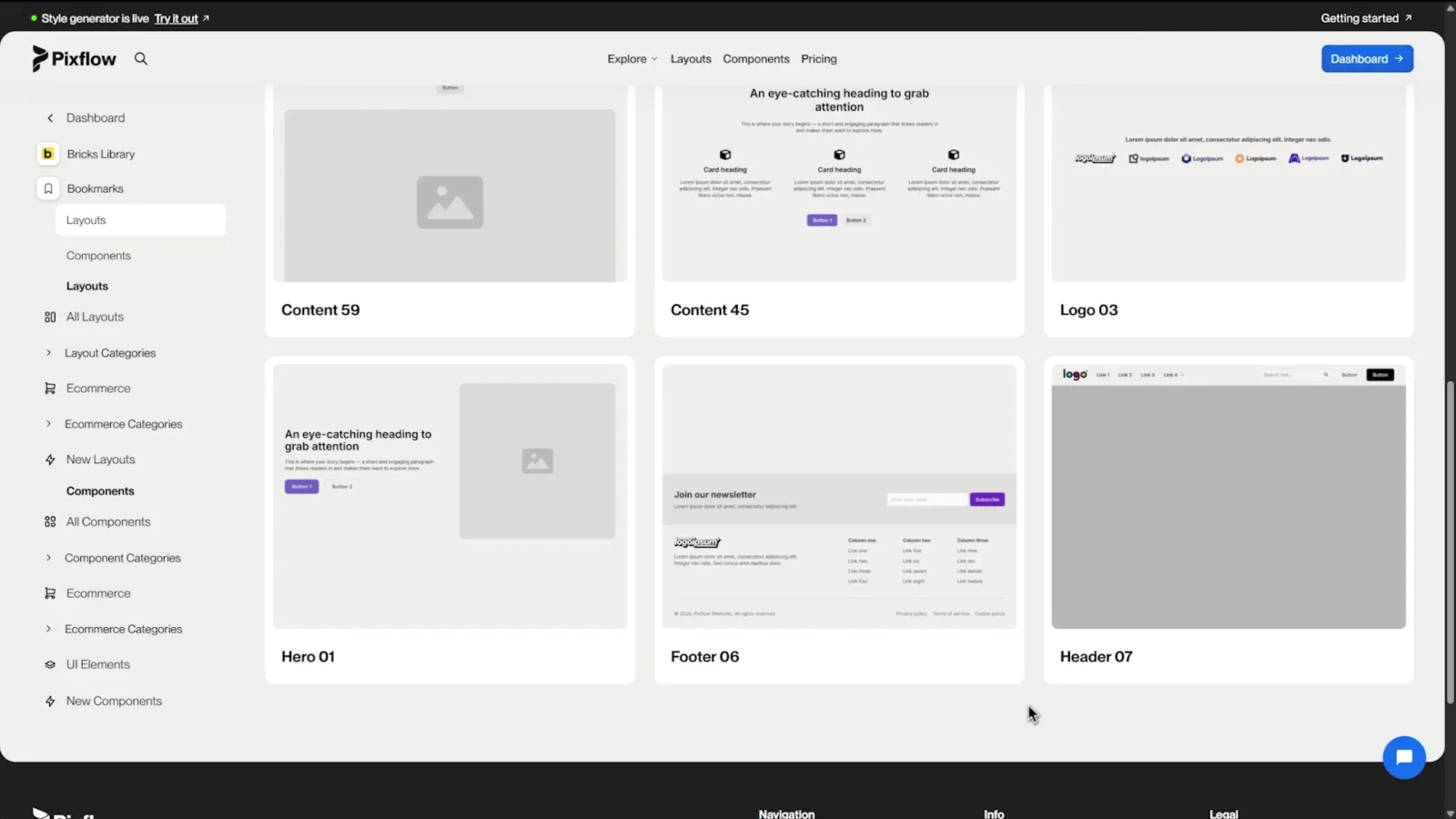
Browse, filter, and insert Pixflow layouts directly inside the Bricks builder through the Pixflow plugin, with no manual remote template setup required.
Rename and Insert Templates
Rename the main BEM block class and descendant classes before inserting templates, making it easier to create clean, independent layout variations.
BEM-Based Class Structure
Every layout follows a clear BEM methodology, keeping styles organised, readable, and scalable.
Pixflow Plugin Included
The Pixflow plugin is included with active Pixflow plans, giving you access to the full in-builder workflow.
Pixflow Framework Setup Wizard
Set up the Pixflow Framework automatically inside Bricks, no manual importing required.
Pixflow Framework Design System
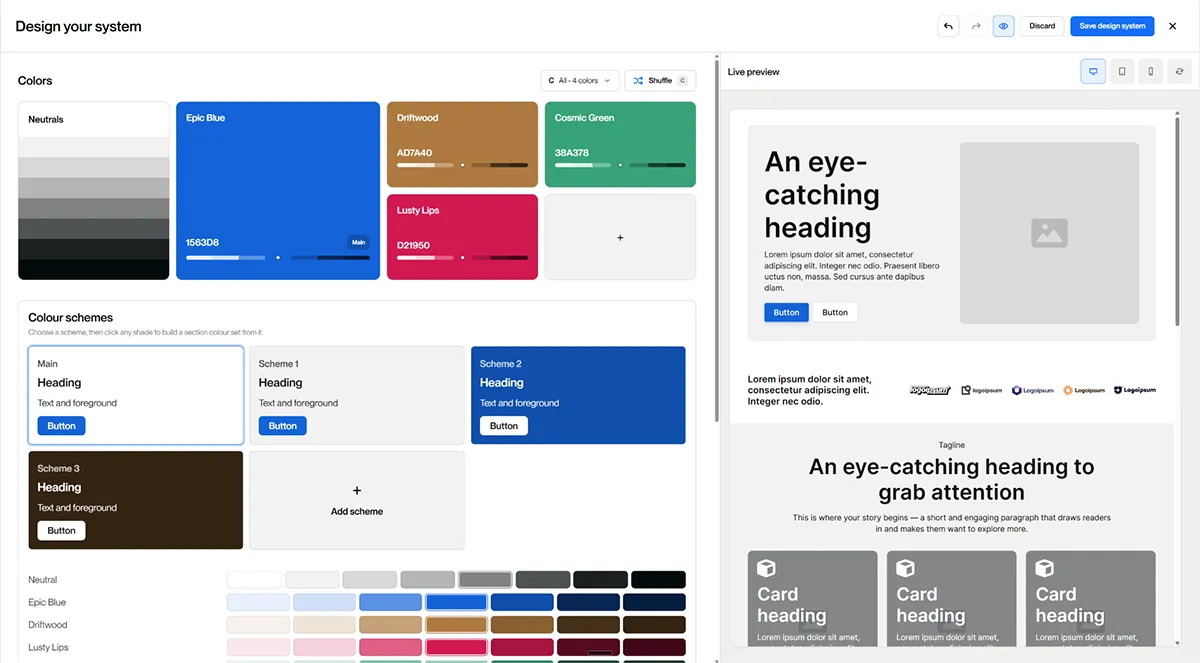
For Pixflow Framework routes, the plugin includes a full visual design-system builder inside the Style Generator.
Custom Framework Mapping
Map Pixflow layouts to your own Bricks variables, framework tokens, or raw CSS values on a per-site basis.
Google Fonts Installer
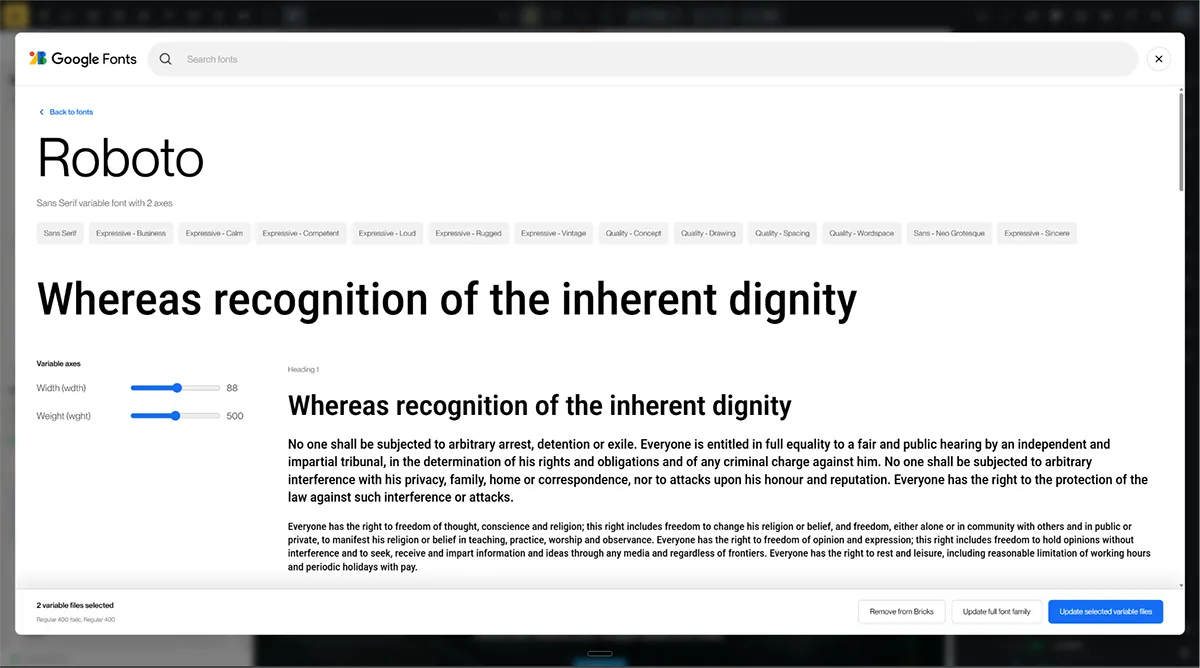
Search, preview, filter, and install Google Fonts directly into the Bricks custom font manager.
Variable Font Support
Pixflow adds improved variable font support for Bricks custom fonts, including variable weight ranges and custom variable font setups.
Open-Source Icon Set Builder
Build custom SVG icon packs from open-source icon libraries and install them directly into the Bricks custom icon manager.
AI Blueprint Generation
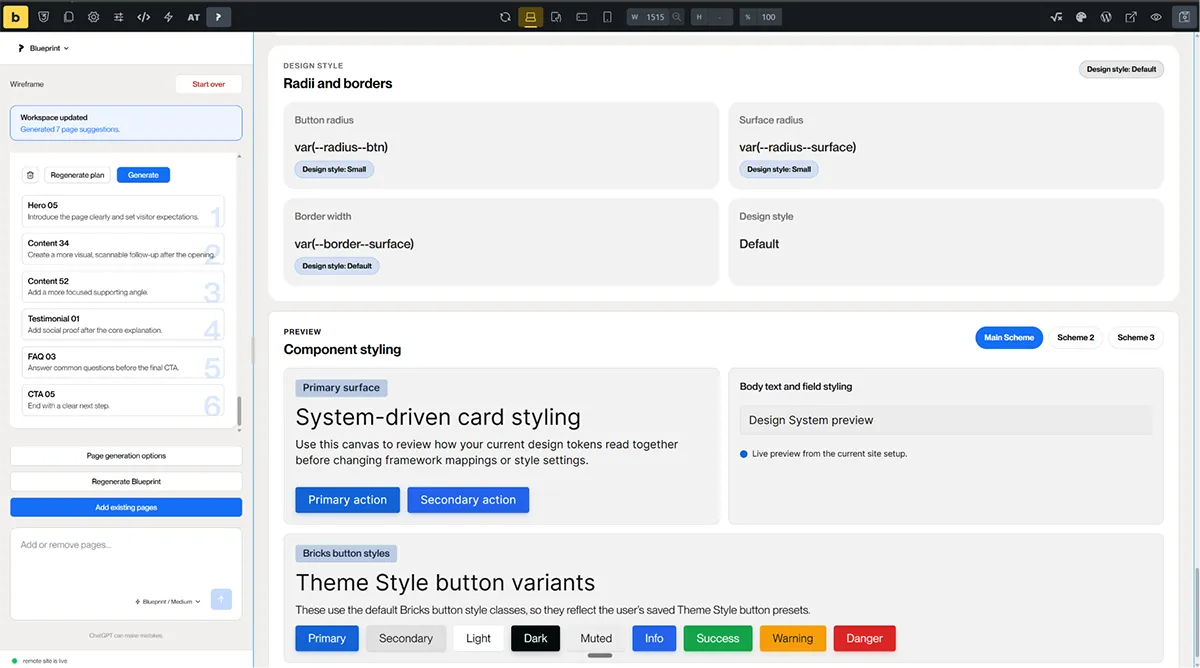
Plan full website structures with AI, including pages, section structure, and content direction before generating layouts inside Bricks.
AI Page Builder
Add sections, swap layouts, update copy, change images, and make targeted page edits from one prompt box.
BYOK AI Providers
Use your own API keys with supported AI providers, including OpenAI, Anthropic, Gemini, and DeepSeek.
Client-Ready Licensing
Use Pixflow on unlimited client and personal projects under a simple, commercial-friendly licence.
Join our affiliate program
Earn 10% commission on every Pixflow sale you refer. Simple tracking, transparent payouts, and no complicated requirements.

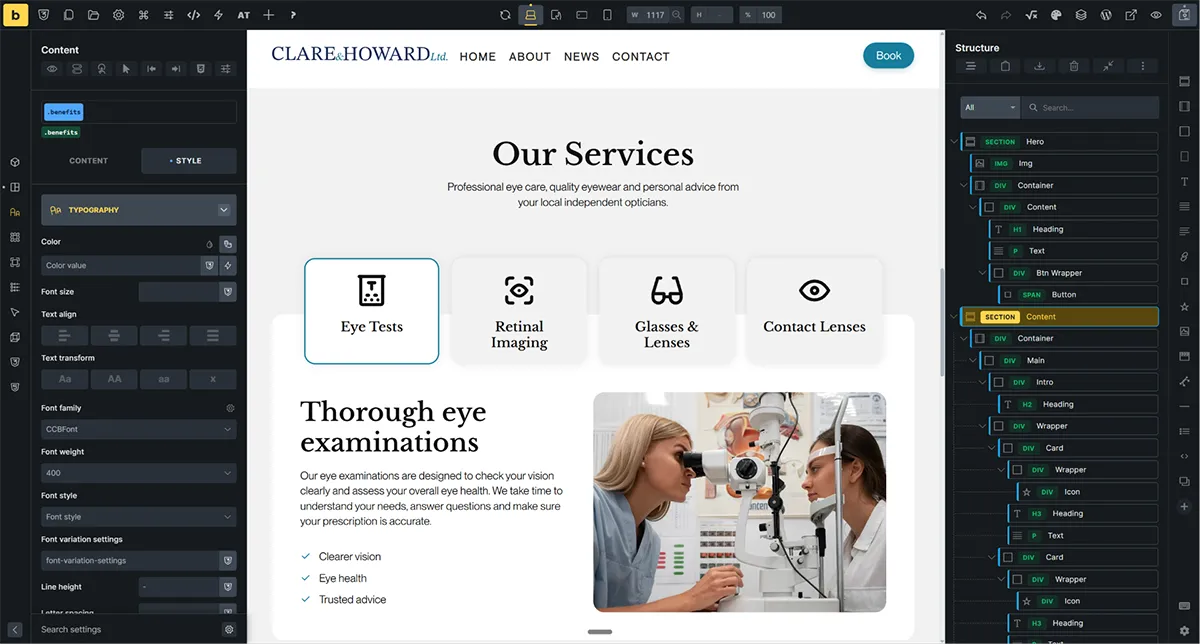
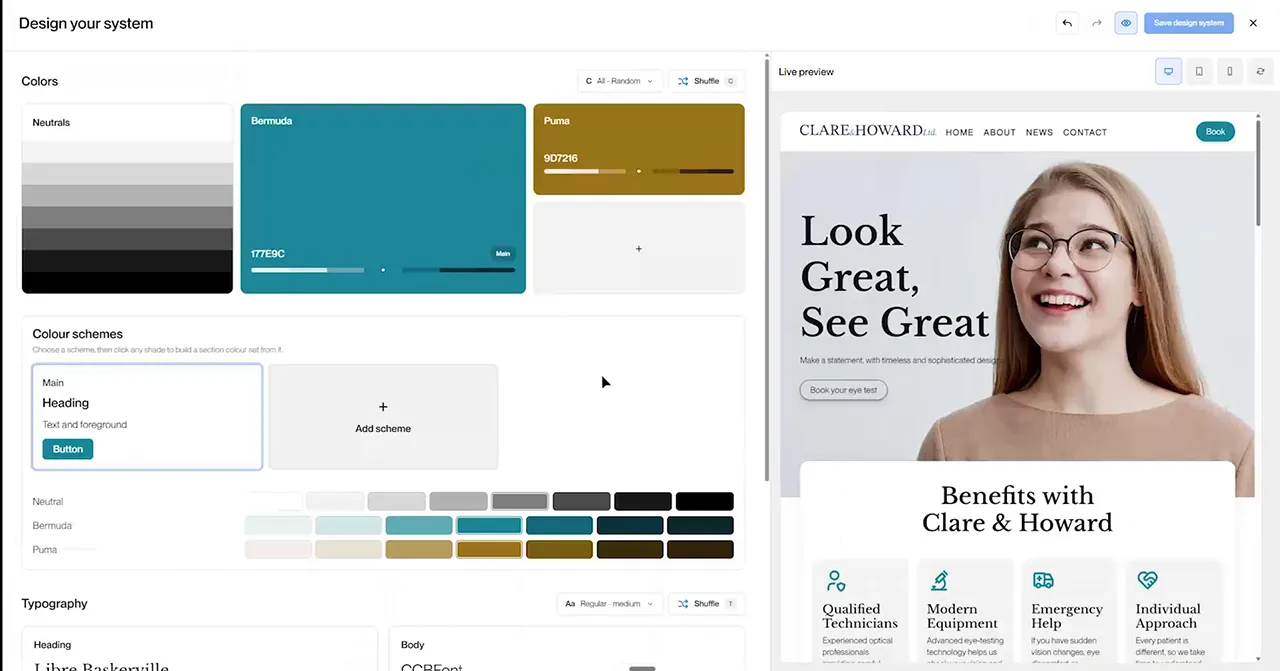
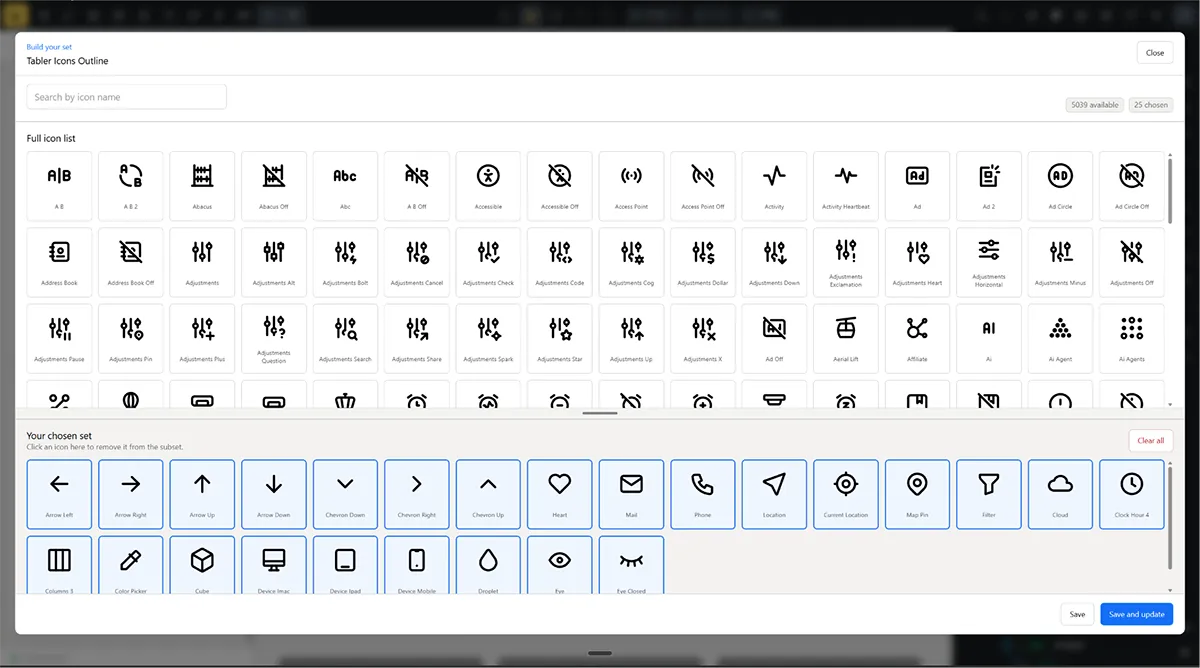
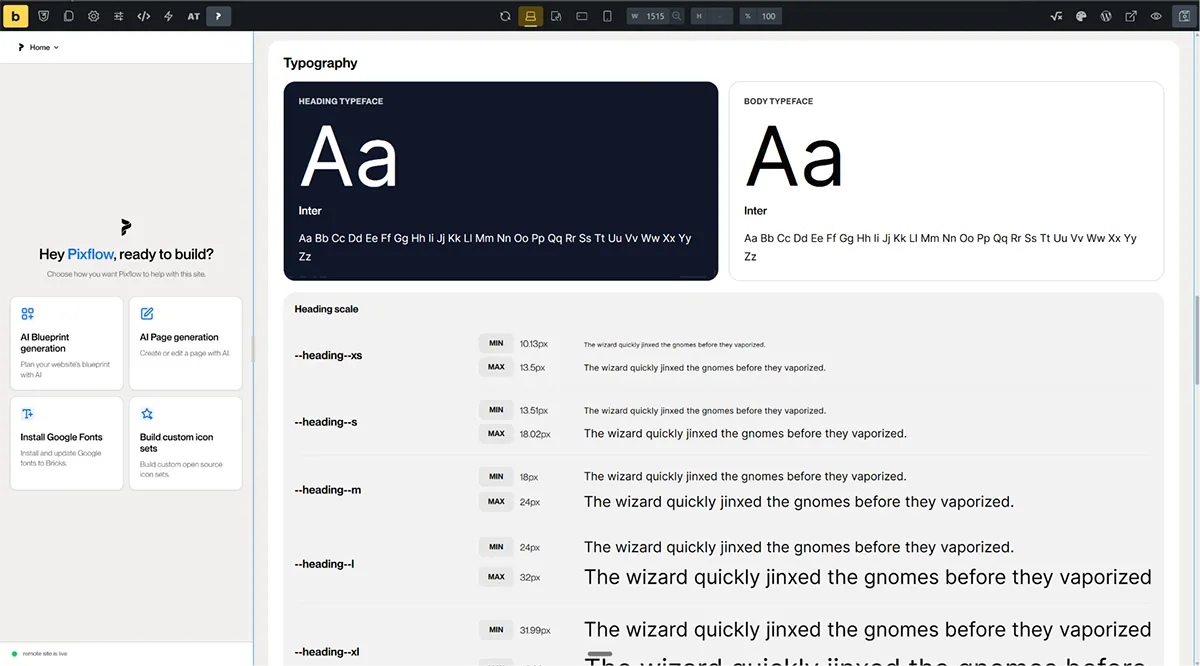
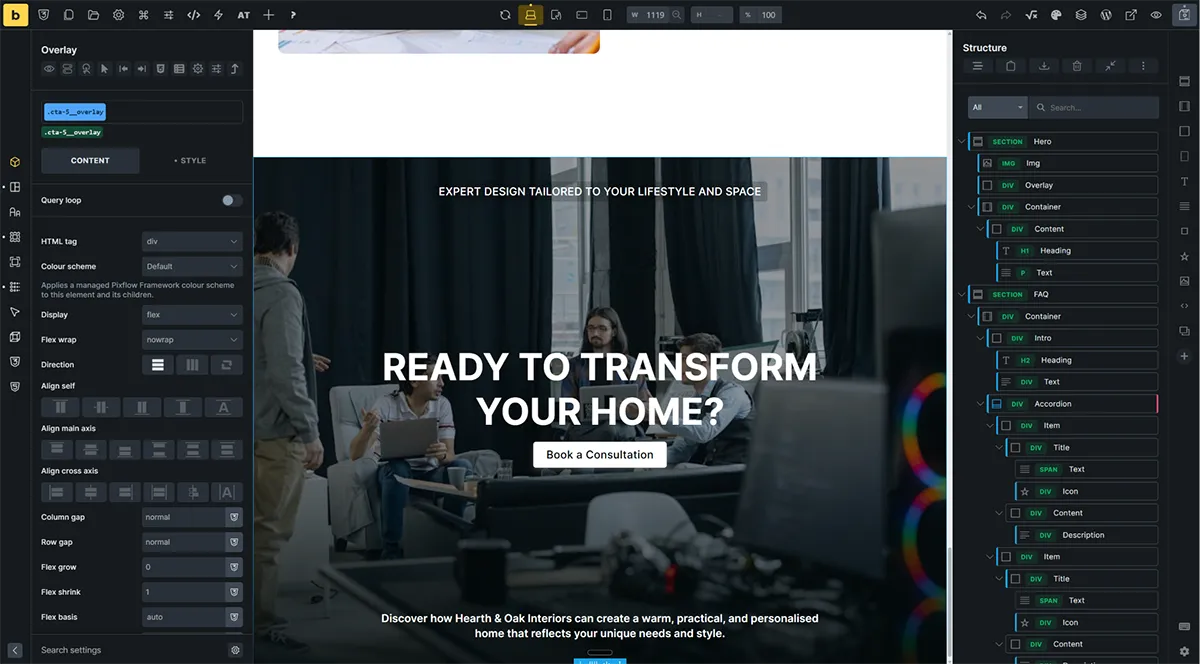
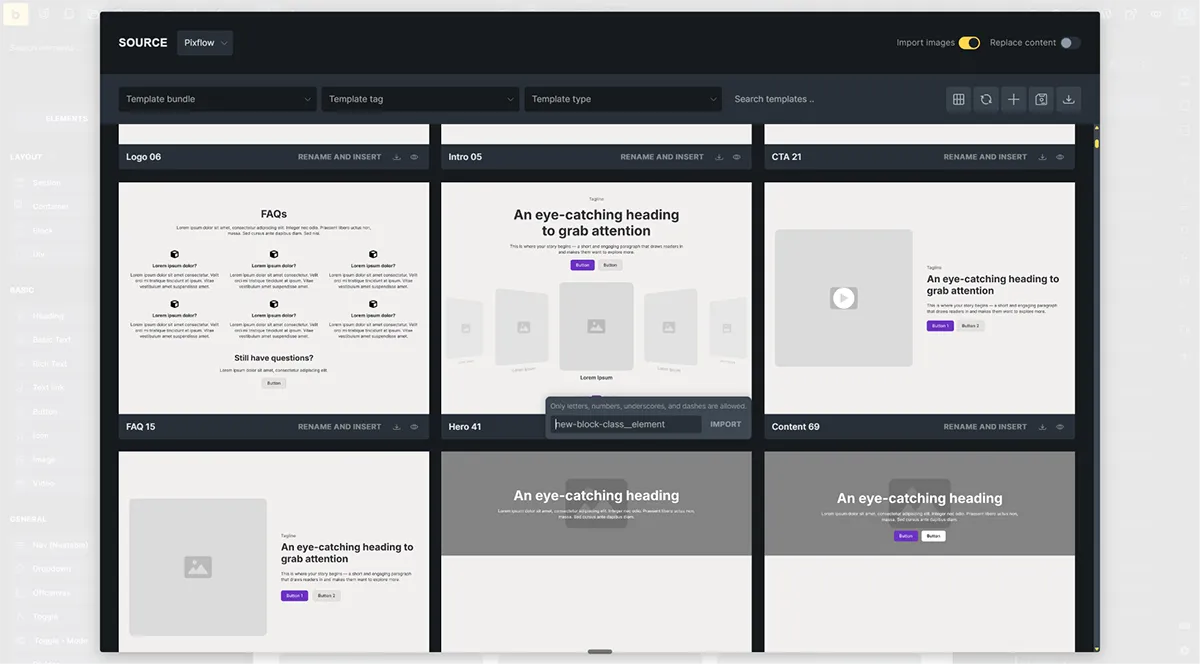
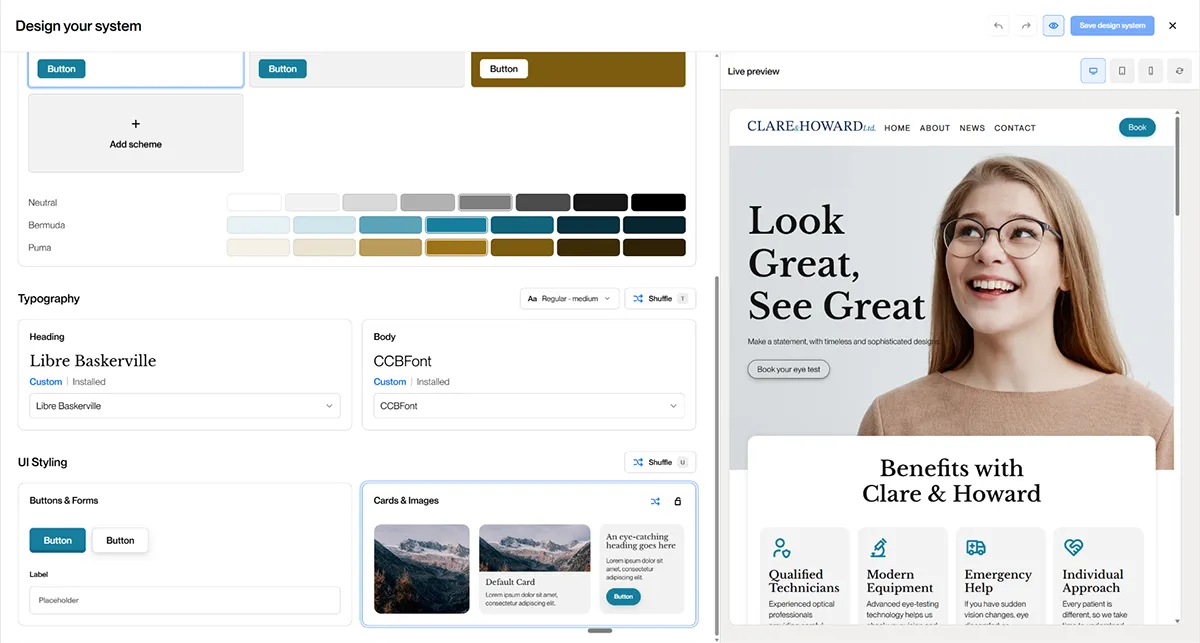
The free plan gives you access to a limited selection of layouts and components, along with basic copy functionality. It’s ideal for exploring Pixflow and understanding the workflow before upgrading.
Starter is designed for individual builders who want full access to the library with modest limits. Pro increases those limits, making it better suited for users working across multiple sites or larger projects.
Remote connections refer to the number of websites that can connect to Pixflow’s remote template library inside Bricks Builder. Each connection allows you to browse and import templates directly within the builder.
Yes. You can upgrade or downgrade at any time. Changes take effect at the start of your next billing period, and you’ll retain access until then.
The Pro Lifetime plan is a one-time purchase that gives you long-term access to Pixflow’s Pro features without recurring subscription payments.
Pixflow subscriptions are non-refundable once access is granted. You can cancel at any time to prevent future charges. Please see our Refund Policy for full details.
No. Any layouts or components you’ve already copied or imported will remain on your websites. You’ll simply lose access to Pixflow features, updates, and new content.
The Team plan includes five user seats: one admin seat and four team member seats. Each user gets their own login, and assets can be used collaboratively across projects within the licence terms.
Yes. All paid plans allow you to use Pixflow for both personal and client projects, including commercial websites.
No. Individual plans are licensed to a single user. Team plans allow access only within the included number of seats. Sharing access outside your plan is not permitted.
Prices may be shown inclusive or exclusive of tax depending on your location. Any applicable tax will be displayed at checkout.